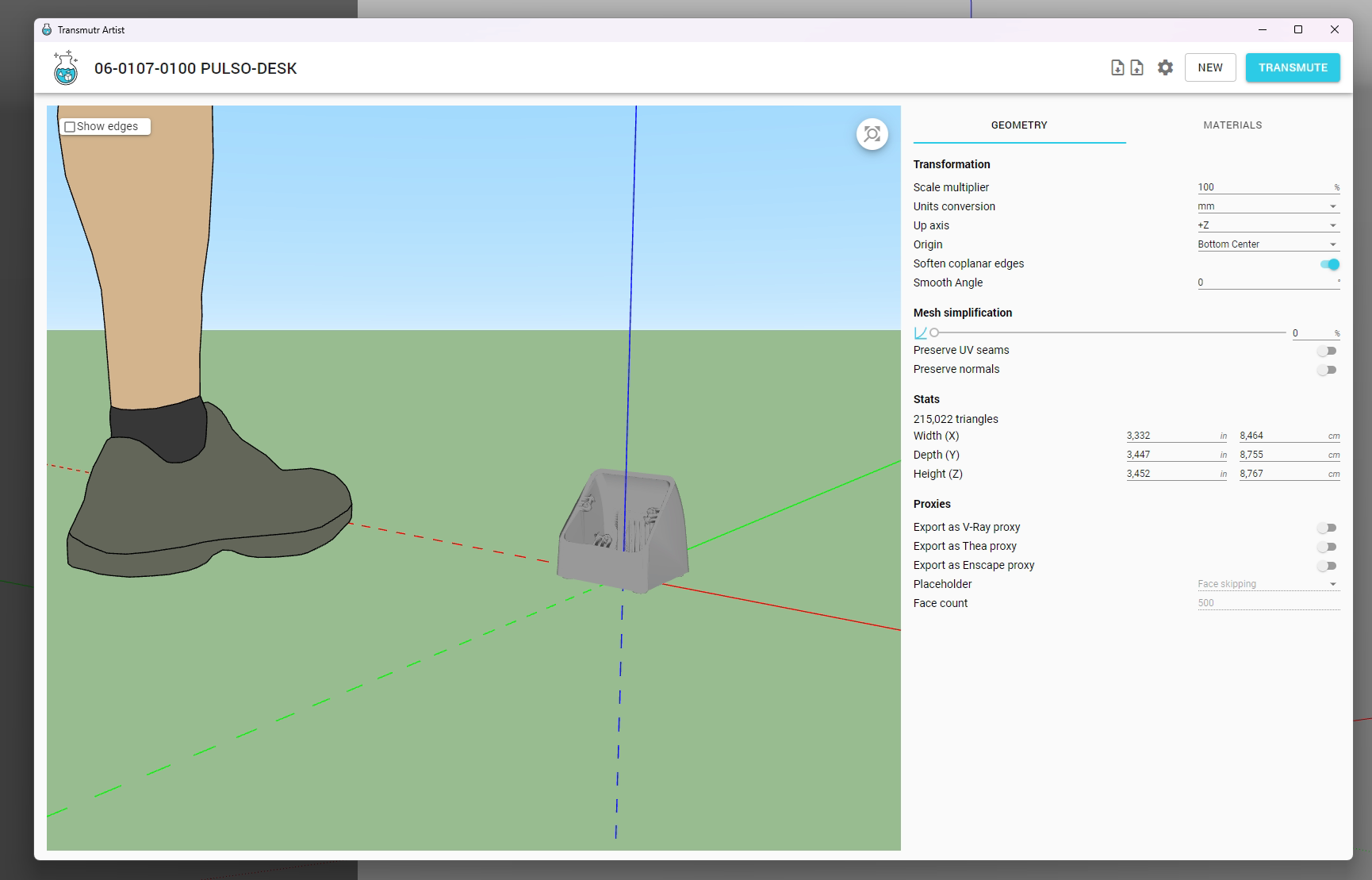
Hi! I just upgraded to Transmutr 2.0 (I installed the v2.0.3 directly).
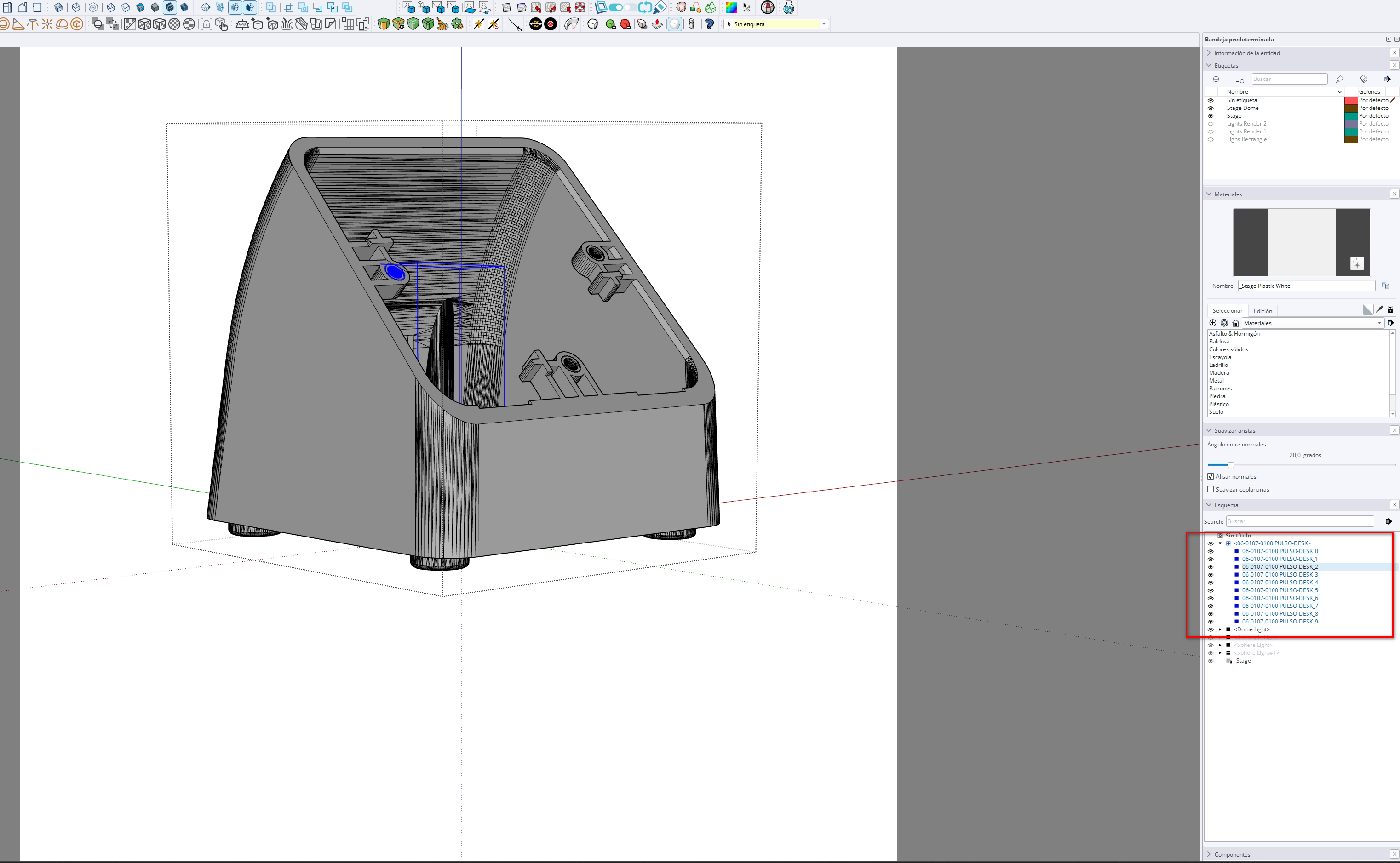
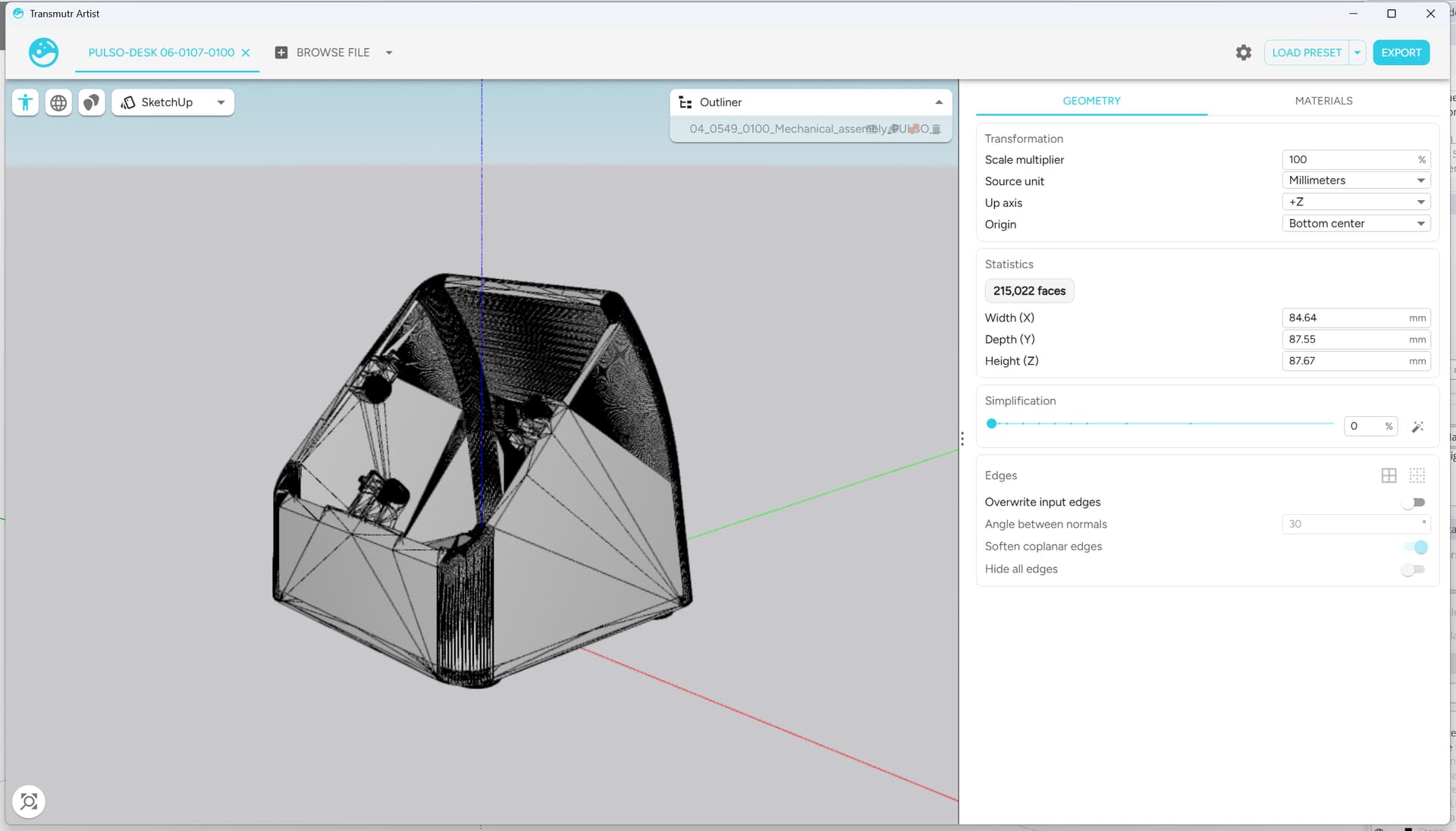
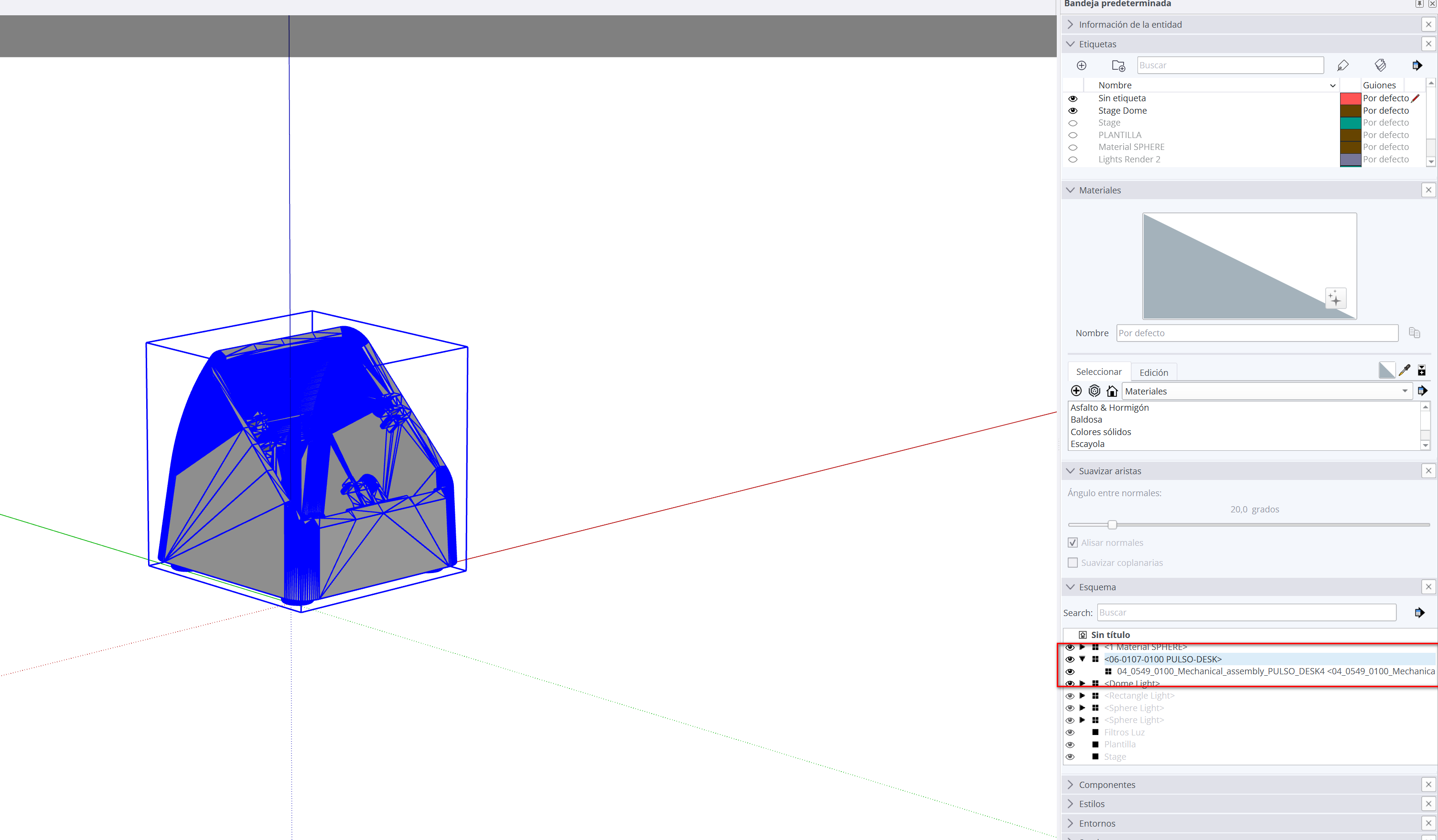
I worked previously with Transmutr 1.0 and used to transform OBJ objects to use them with Sketchup, my issue now is that, with Transmutr 2.0, everytime I export the OBJ to Sketchup, Transmutr makes a whole solid, without keeping the groups.
I tried uploading old OBJs (that I used with Transmutr 1.0 and I know they worked fine) and it happens the same.
Actually Transmutr v2 does a better job at respecting the hierarchy of the OBJ file. The file declares a single group.
Transmutr v1 used to split the object into different parts because they have different materials. Maybe it was convenient in some cases like yours, but it was actually not accurate behavior.
For instance, when I import it in Blender, it comes in as a single object as well.
If the source model is split into different parts, I suggest that you convert it to another format than OBJ.
FBX and GLTF/GLB are usually much better.
The source file comes from Solid Edge which (sadly) I don’t have a license, but I asked for (instead of an OBJ) send me a FBX file and works really fine